
Search engine optimization isn't a one-time project you hand off to IT and forget. It's an ongoing practice, and for higher ed marketers, it's one of the strongest undercurrents shaping enrollment.
The way prospective students search for programs has changed. They're not just Googling and clicking; they're asking AI tools, reading AI-generated summaries, and making decisions faster than ever. That means your pages need to work for humans and machines.
This blog breaks down 30 SEO tips into bite-sized daily actions. Whether you're managing one program or an entire portfolio, you can pick up where you are, do a little each day, and compound your way to better visibility. We've organized them from quick wins to long-term strategy, so even if you're starting from zero, you'll have a clear path forward.
In this article, we will answer...
- What are the most important SEO basics for higher ed program pages?
- How do you optimize content for AI tools like ChatGPT and Google's AI Overviews?
- What's the difference between SEO, AEO, and GEO — and does your team need to care about all three?
- How do you audit and improve visibility without a big budget or an IT ticket?
Don't let the acronyms get you down. Go beyond theory and get a handle on everything you need to know to be discoverable by watching our SEO + AI Visibility webinar.

Foundational: SEO/GEO quick wins & basics
You don't need a full-scale redesign to start improving your SEO. Most of the highest-impact changes are small, fast, and completely within a marketing team's control. The tips below are your starting point. Each one can be tackled in under an hour and will give you a clearer picture of where your pages stand.
Day 1 – SEO → AEO → GEO
Think layers:
- SEO = page edits for search engine rankings
- AEO (Answer Engine Optimization) = structuring content so AI can pull direct answers
- GEO (Generative Engine Optimization) = building topic authority across your whole site
Your site should cover all three if you want humans AND AI to find your programs. A strong SEO foundation makes AEO and GEO easier, but you need all three working together in 2025.
Day 2 – H-Tag check
Start with headings: H1s, H2s, H3s. They're like street signs for humans and robots alike. Make sure your program name appears at least once. Quick scan, tiny tweak, big payoff. Keeps Google and AI "in the loop" about what's important. For higher ed pages specifically, that means your H1 should clearly name the degree. "Master of Science in Cybersecurity" beats "Advance Your Career" every time.
Day 3 – Quick SEO Extension
Install a free tool like SEO Extension. It lets you peek under the hood. You can quickly see headings, meta, and URLs. Great for spotting problems fast without needing IT help. Think of it as a stethoscope for your pages: five minutes of checking can surface issues that have been silently hurting your rankings for months.
Day 4 – Even your main pages need a reality check
Not all underperforming pages are buried in the site map. Sometimes the main program page — the one students are supposed to land on — is a wall of catalog text, a course grid, or a list of accreditation codes. If it was built for the registrar and not the student, it's working against you. Make a list of your top program pages and ask honestly: Does this page actually answer anything a student would ask?
Day 5 – Program pages are the real front door
Homepages are usually well maintained, but students rarely enter there first. They Google programs. Your homepage sets the tone; program pages need to answer questions, show outcomes, and convince humans (and Google, and AI) you're the right pick. Treat each program page like its own mini-website: it should be able to stand alone and answer "Why here? Why this program? What's next?"
Day 6 – Topic families, not exact names
"MSN," "Master of Science in Nursing," "Nursing master's degree." Different words, same intent. Sprinkle variations naturally. Don't stress about perfection, but do respect search behavior. A prospective student searching "online nursing master's" and one searching "MSN program" are asking the same question; your page should be able to answer both.
Day 7 – Meta descriptions
Those tiny summaries under search results? They matter. Write short, human-friendly descriptions that tell a student, "Yes, click me!" They don't boost rankings directly, but Google reads them for summaries and a well-written meta can be the difference between a click and a scroll past. Aim for 155 characters and lead with the most compelling detail: outcomes, format, or a differentiator.
Day 8 – URLs that make sense
school.edu/graduate/program-name vs. school.edu/academics/program?id=4738.
Simple. Descriptive. Clear. Makes humans AND robots happy. Spend 10 minutes checking the URLs of your top pages. You may not be able to change them overnight, but documenting the problem is the first step toward fixing it, and clean URLs pay dividends in click-through rates.
Day 9 – Academese detox
If it reads like a faculty proposal, it's probably hurting you. Rewrite for clarity: "MS in Data Analytics teaches skills you need for data science or business analytics" beats anything that sounds like a dissertation abstract. Humans scan. AI summarizes. Neither one is impressed by passive voice and jargon. Go line by line on your program overview and ask: “Who is this speaking to?”
Day 10 – Break up walls of text
A massive paragraph is exhausting. Humans scan. AI summarizes. Add H2s, bullets, or sub-points to make pages scannable. Bonus: your copy reads approachably, not like a wall of accreditation copy. This is especially important for program pages where prospective students are trying to quickly find format, cost, and outcomes.
Day 11 – Ditch personalization bias
Don't Google your own school. Your history and location skew results. Use incognito or SEMrush. Otherwise, you'll think you're #1 when students elsewhere barely see you. Better yet, ask a colleague in a different city — or a real prospective student — to search and screenshot what they see. The results might be humbling, and that's exactly the point.
Required Reading: Yes, You Still Need SEO for Higher Education
Intermediate: building web structure & consistency
Once the basics are in place, it's time to build the architecture that makes your content work harder over time. These tips focus on how you organize, label, and connect information across your site, which is increasingly how AI tools decide what's worth surfacing.
Day 12 – Plan FAQs
Student questions deserve a home. Map where FAQs could live on program pages. H2s/H3s for questions, answers underneath. Keeps pages scannable and AI-ready. Think about the questions your admissions team answers on repeat. Those belong on the page, not just in an email reply. "Can I complete this online?" and "How long does it take?" are searches happening right now.
Day 13 – Audit AI visibility
Ask ChatGPT like a student would: "I want a strong business program near Chicago with a small campus. What are my options?" The results reveal what AI sees and what's missing from your pages. If your school doesn't show up, that's your gap analysis. Do this for five or six different program queries and document the patterns.
Day 14 – Speak students' language
Copy should answer actual questions, not faculty-speak. "Learn the skills you need for a career in marketing" beats "Develop a broad understanding of marketing theory." Natural, scannable, search-friendly. Before publishing any page update, read it aloud. If it sounds like a brochure from 2003, rewrite it.
Day 15 – Schema markup
Structured data tells search engines and AI what a page is about. It's the difference between a page that looks like a program page and one that is definitively identified as one. It's not thrilling, but without it, pages are harder to surface in AI answers. Start with your most-trafficked programs and work outward. Your web team can implement; your job is to make the case.
Getting a bit technical? Learn our 10 Technical SEO Tips for Non-Tech People
Day 16 – Keywords AND storytelling
Storytelling makes humans care. Show why the program exists, who it's for, and what graduates go on to do. Personality + context = future-proof visibility. The programs that perform best in both search and AI aren't just keyword-dense; they have a coherent narrative that clearly answers the "why this program?" question.
Day 17 – Image optimization
Descriptive filenames, alt text, and compression. Google and AI platforms use alt text to understand content. Bonus: accessibility points. "img_4892.jpg" tells AI nothing. "mba-students-completing-pitch-competition.jpg" tells it quite a bit. This is a quick win your team can batch-process across a whole program area in an afternoon.
Day 18 – Internal linking
Link program pages to related content: courses, faculty bios, outcomes data, relevant blog posts. This helps humans navigate deeper into your site and helps search platforms understand the relationships between pages and topics. Every program page should link to at least two or three related pages, and those pages should link back. Here’s one more acronym: E-E-A-T. It matters to SEO!
Day 19 – Optimize for conversational search
Think conversationally: "How long does it take to get an MSW?" "Can I complete a nursing degree online while working full time?" Natural Q&A language helps AI surface your pages when students ask conversational questions, which is how an increasing amount of searches happen, particularly in AI platforms.
Day 20 – Page speed
Slow pages frustrate humans and AI alike. Compress images, minimize scripts, cache content. A page that takes more than three seconds to load loses a significant portion of visitors before they ever read a word. Your users — mostly mobile, often impatient — will thank you. Use this tool to check!
Day 21 – Mobile first
Most students are on phones. Check layouts, font size, tap targets, and form fields on an actual mobile device, not just a desktop resize. If it's clunky on mobile, Google, AI, and humans won't engage. Your admissions funnel starts on a 6-inch screen; make sure it works there first.
Day 22 – Check CTAs
Every program page should have clear next steps: apply, request info, schedule a visit, talk to an advisor. No CTA? Your page is politely waving at students from the back row. Go through your top 10 program pages today and confirm that every one has at least one prominent, specific next step above the fold.
Advanced / strategic: long-term SEO + AI visibility wins
These tips don't offer the same instant gratification as a quick headline rewrite, but they're what set schools that maintain visibility apart from those that spike and fade. Build these into your regular workflow, and you'll compound your gains over time.
Day 23 – Keep events & deadlines current
Admissions dates, info sessions, open houses. Check them weekly during peak seasons. Outdated info is a trust-killer for prospective students and a signal to AI that your content isn't being maintained. If a student finds a deadline that's six months old, they'll wonder what else is out of date.
Day 24 – Refresh content
Faculty updates, new student outcomes data, recent research highlights, industry news relevant to the field = huge AI visibility wins. Fresh content keeps humans interested and signals to search engines and AI that your pages are actively maintained. A program page that hasn't been touched in two years is leaving visibility on the table.
Day 25 – Monitor analytics
Who's visiting? Where are they dropping off? What's converting? Track traffic, rankings, and inquiry form submissions. Data is your north star. Without it, you're optimizing based on gut feelings instead of evidence. Set up a simple monthly dashboard if you don't already have one.
Use Google Analytics 4 (GA4). It’s free and likely already on your site. Tracks traffic, behavior, and conversions. If it's not set up, your web team can add it in under an hour.
Day 26 – Fix broken links
Dead links frustrate everyone and signal neglect to search engines. Run a crawl with a free tool like Screaming Frog or Ahrefs, fix or redirect what you find, and document what broke so you can prevent it next time. This is the digital equivalent of making sure the front door isn't locked when someone tries to visit.
Day 27 – Add multimedia
Videos, infographics, and student outcome charts. Humans engage longer; AI understands content more richly. Include captions, transcripts, and alt text so every piece of media is as accessible and indexable as your written content. A two-minute faculty intro video with a transcript does double duty: it converts undecided students and adds indexable content to the page.
Day 28 – Leverage user stories
Student testimonials, alumni spotlights, social posts, and capstone projects. Real voices build trust in a way that institutional copy can't replicate. And, they add rich, natural language that AI tools recognize as authentic context. Collect one new story per program per semester, and you'll build a significant asset over time.
Day 29 – External references
Cite trusted sources: Bureau of Labor Statistics data, industry reports, accreditation bodies, and peer-reviewed research. Builds credibility with prospective students and signals to platforms that your content is grounded in authoritative information. A stat without a source is just a claim; a stat with a government citation is evidence.
Day 30 – Make a quarterly SEO + AI audit routine
Optimization isn't one-and-done. Enrollment cycles change. Search behavior shifts. AI tools update their models. Build a quarterly rhythm: review analytics, check AI visibility, audit top program pages, and update what's stale. Make it a standing item on your editorial calendar.
Consistency is the strategy
If there's one thing this list makes clear, it's that SEO isn't a single project — it's a habit. The schools that show up consistently in search and AI results aren't doing anything magical. They're doing the basics well, maintaining what they've built, and staying curious about how students search.
You don't need to do all 30 things at once. Pick three from the Foundational section this week. Add two more next week. By the time you've worked through the list, you'll have touched every major lever in your web toolkit, and you'll have a clearer picture of what to prioritize going forward.
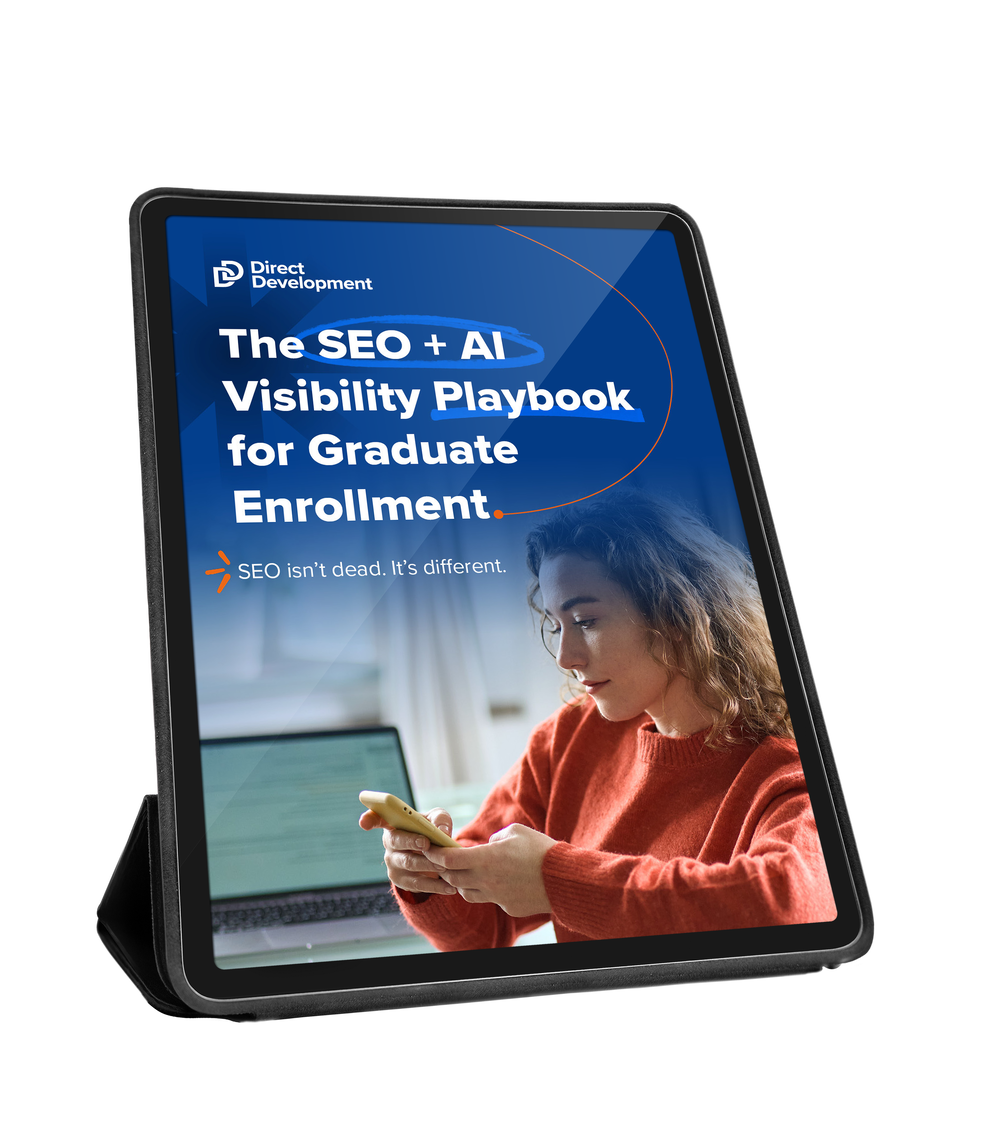
This list is your starting point. The SEO + AI Visibility Playbook goes further. We provide deeper dives into the topics that tend to generate the most questions: schema markup, AI auditing, GEO strategy, and building a content structure that holds up as search behavior continues to shift.
If a tip in this blog made you think, "Okay, but how do I actually do that?", the playbook is your answer—Download the SEO + AI Visibility Playbook.
SEO + AI visibility FAQs
Do I need a developer to make most of these changes?
For the majority of these tips, copy updates, meta descriptions, internal links, image alt text, not typically. A content editor with CMS access can handle most of the list. Schema markup and page speed improvements are the exceptions; those typically require web team involvement.
How long does SEO take to show results?
It depends on the change. Meta description and copy updates can affect click-through rates within days. Ranking improvements from structural changes typically take four to twelve weeks to show in search data. AI visibility is harder to measure on a timeline, but content improvements generally show up in AI summaries within a few weeks of being indexed.
What's the difference between SEO, AEO, and GEO?
SEO (Search Engine Optimization) is the traditional practice of optimizing pages to rank in search results. AEO (Answer Engine Optimization) focuses on structuring content so AI tools can pull it as a direct answer. GEO (Generative Engine Optimization) is about building enough topic depth and authority across your site that AI sees you as a credible source on a subject. In practice, good SEO lays the groundwork for both AEO and GEO.
Our program pages are managed by individual departments. How do we make this work?
Start with a style guide and a shared checklist based on this list. Identify three to five non-negotiables (clear H1 with program name, at least one CTA, mobile-friendly layout, updated deadlines) and train department contacts on those first. Build from there rather than trying to overhaul everything at once.
Should we optimize for ChatGPT, Google's AI Overviews, or both?
Both, and the good news is that the fundamentals overlap significantly. Clear structure, natural language, authoritative sources, and regularly updated content serve all AI tools well. If you're forced to prioritize, focus on Google AI Overviews first since it sits directly in the search experience most students are already using.
How do we know if AI is finding our programs? T
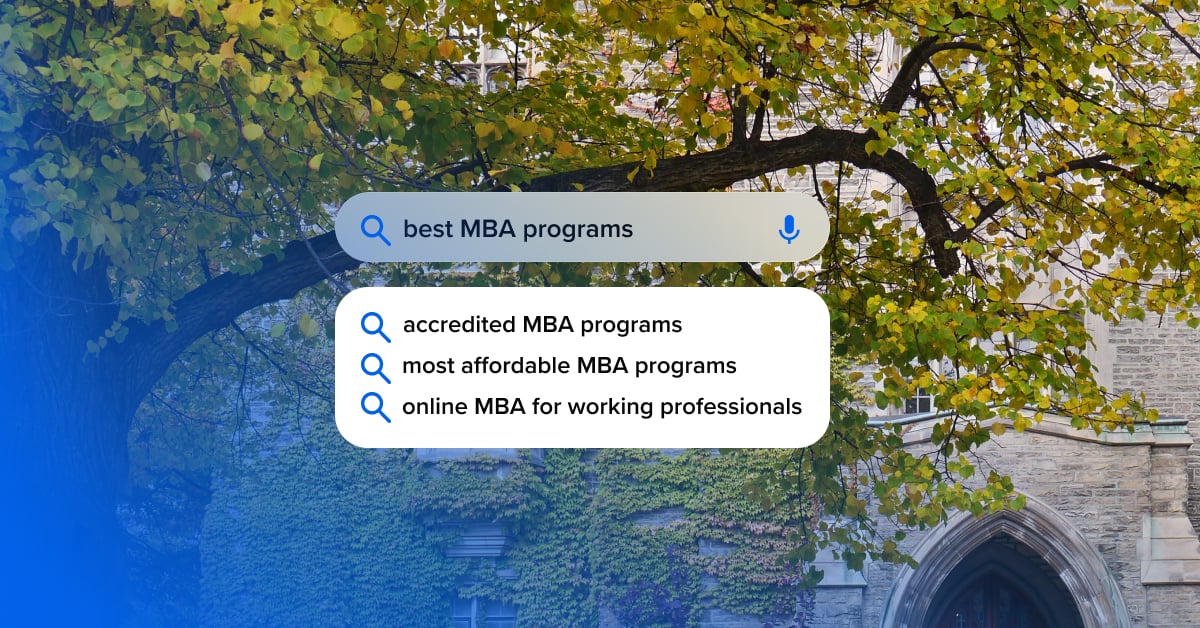
The simplest audit: open ChatGPT, Claude, or Gemini and search for your programs the way a student would. "Best online RN to BSN programs in the Midwest." "MBA programs with flexible scheduling near [your city]." Take notes on what shows up and what doesn't. Ask the AI platform why your pages didn’t make the cut. Repeat this every quarter to track changes over time.
It’s a brand new world out there, but we’ve explored it, and we want to hand you the map.

.png)